Complete Smart TV IPTV Setup Guide for Samsung & LG
Looking for a hassle-free Smart TV IPTV setup walkthrough to unlock 20,000+ live 4K channels directly through your television screen? At redditflix.com, we make configuring Samsung Tizen, LG webOS, Hisense VIDAA, and Sony televisions easy with our step-by-step app instructions and remote WhatsApp activation.
Recommended Applications for Smart TVs
Unlike Android devices that allow direct APK sideloading, modern Samsung and LG Smart TVs use closed app stores. We recommend installing one of the following verified applications:
- IBO Player: Best overall performance, fast channel switching, and modern 4K video rendering. Available on both Samsung Smart Hub and LG Content Store.
- Smart IPTV (SIPTV): The most widely used legacy application for Samsung Tizen TVs with simple MAC-based playlist uploading.
- Nanomid Player: High security with built-in VPN support and fluid EPG schedule navigation.
Step-by-Step Installation Using IBO Player
- Install IBO Player: Open the App Store on your Samsung or LG television, search for "IBO Player", and click Install.
- Note Your Device Details: Launch the app and take note of your Device ID (MAC address) and Device Key shown on the screen.
- Upload Your Playlist: Visit the IBO Player website at
iboplayer.com/device/loginon your phone or computer, enter your Device ID and Key, and paste the M3U or Xtream Codes link sent by our WhatsApp team. - Reload & Enjoy: Return to your TV, press Reload, and your 20,000+ live channels and 60,000+ VOD movies will appear immediately!
Why Choose redditflix.com for Your Smart TV?
Our streaming infrastructure is tuned specifically for large-screen living room entertainment:
- True 4K UHD and 60fps feeds for flawless sports motion on OLED and QLED displays.
- Anti-freeze technology that dynamically reroutes streams to avoid buffering during championship sporting events.
- Full 7-day electronic program guide (EPG) with automatic hourly updates.
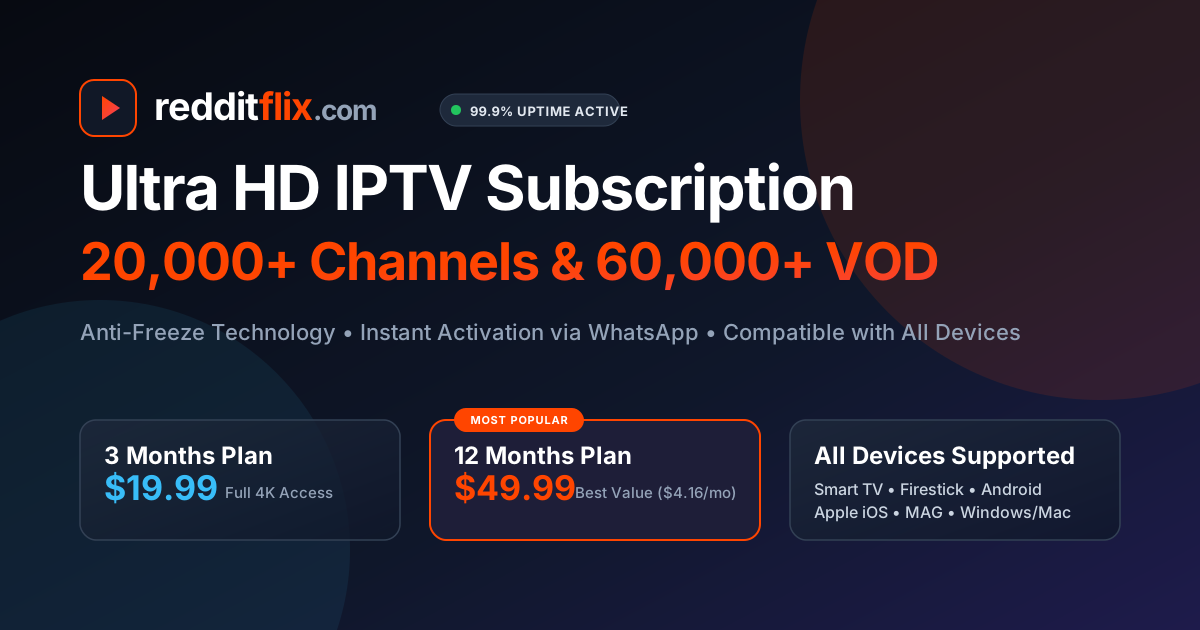
- Affordable pricing: 3 months for $19.99, 6 months for $29.99, or 12 months for $49.99.
For more details on stream optimization, read our article on Samsung Smart TV IPTV setup or learn how to fix IPTV buffering.
Want our team to configure your Smart TV?
Send us a photo of your TV screen on WhatsApp and we will set up your playlist remotely.